Monitor pricing for hundreds of LLMs on OpenRouter — right from your macOS menu bar. Get notified when prices drop or free models appear.
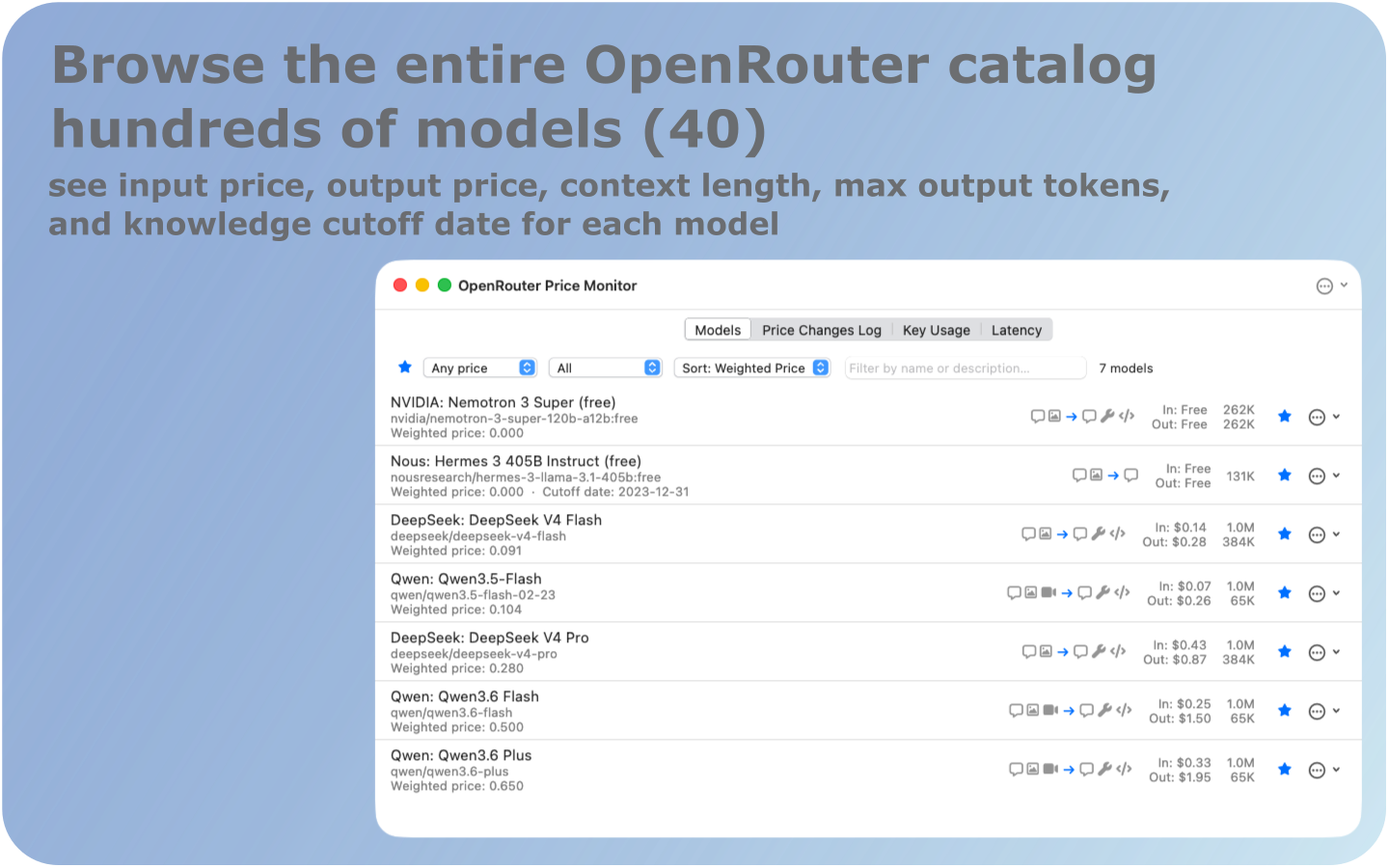
Click screenshot to view fullscreen
Built for AI developers and power users who route through OpenRouter and want full price visibility.
Browse all OpenRouter LLMs with input/output prices, context length, capability badges, and knowledge cutoff. Live search, price-tier filters, and sort by weighted cost.
Configure your input/output token ratio and cache hit rate. Get a single score ranking models by real-world cost for your specific workload — not just sticker price.
Get macOS notifications the moment a favorited model's price changes beyond your threshold (1%, 5%, 10%, or 20%). Be first to know when free models appear.
Track credit balances, daily/weekly/monthly spend, and per-model usage across all your OpenRouter API keys. Color-coded progress bars for at-a-glance health.
Measure real time-to-first-token for any model with one click. Logged with color coding: green ≤1000ms, red >5s, and "Rate Limited" labels for 429 responses.
Zero dock clutter. Background polling at your configured interval. Global hotkey to show/hide instantly. Keychain-secured API key storage — no plaintext secrets.
Click any screenshot to view fullscreen.
Models Catalog
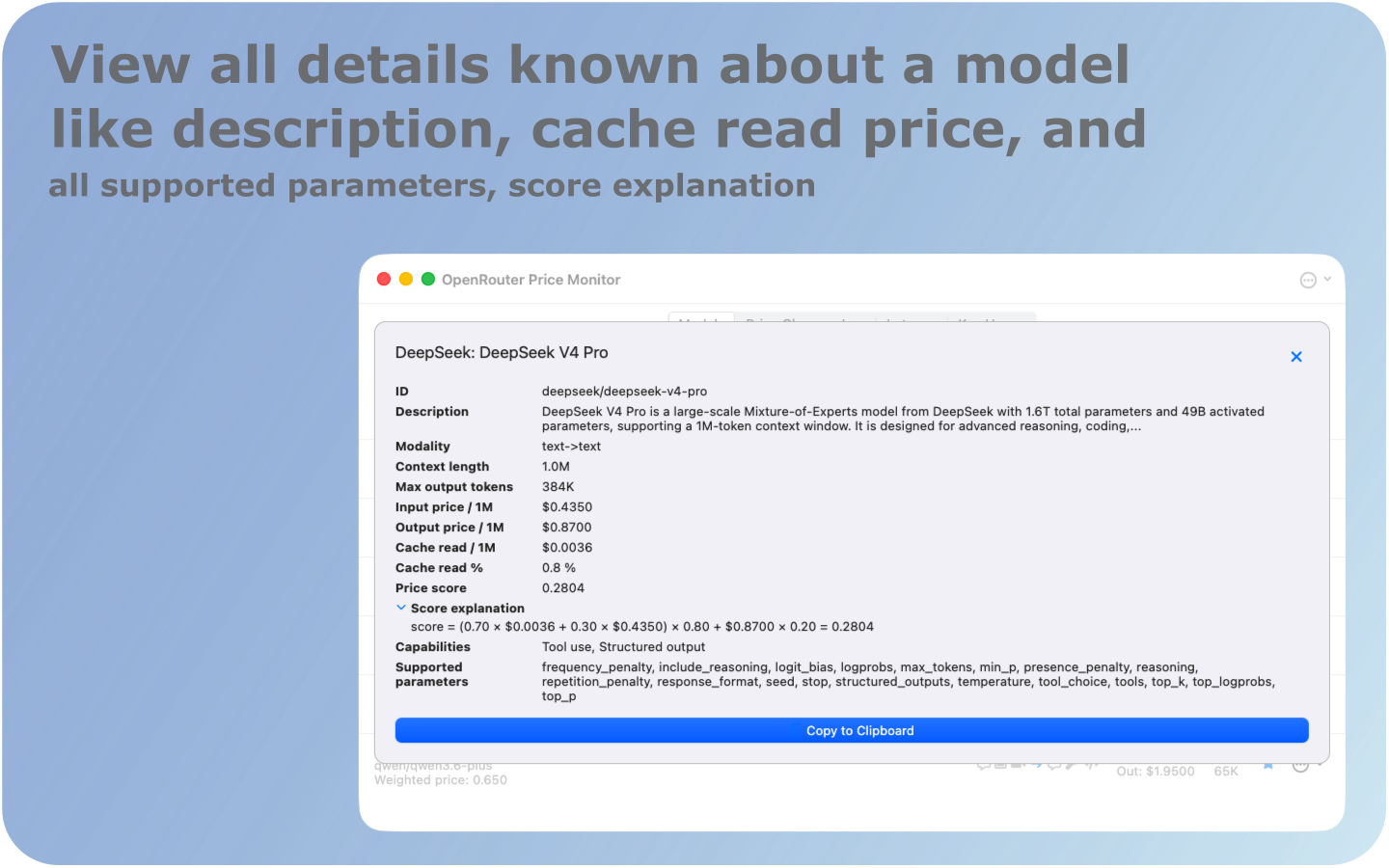
Model Details
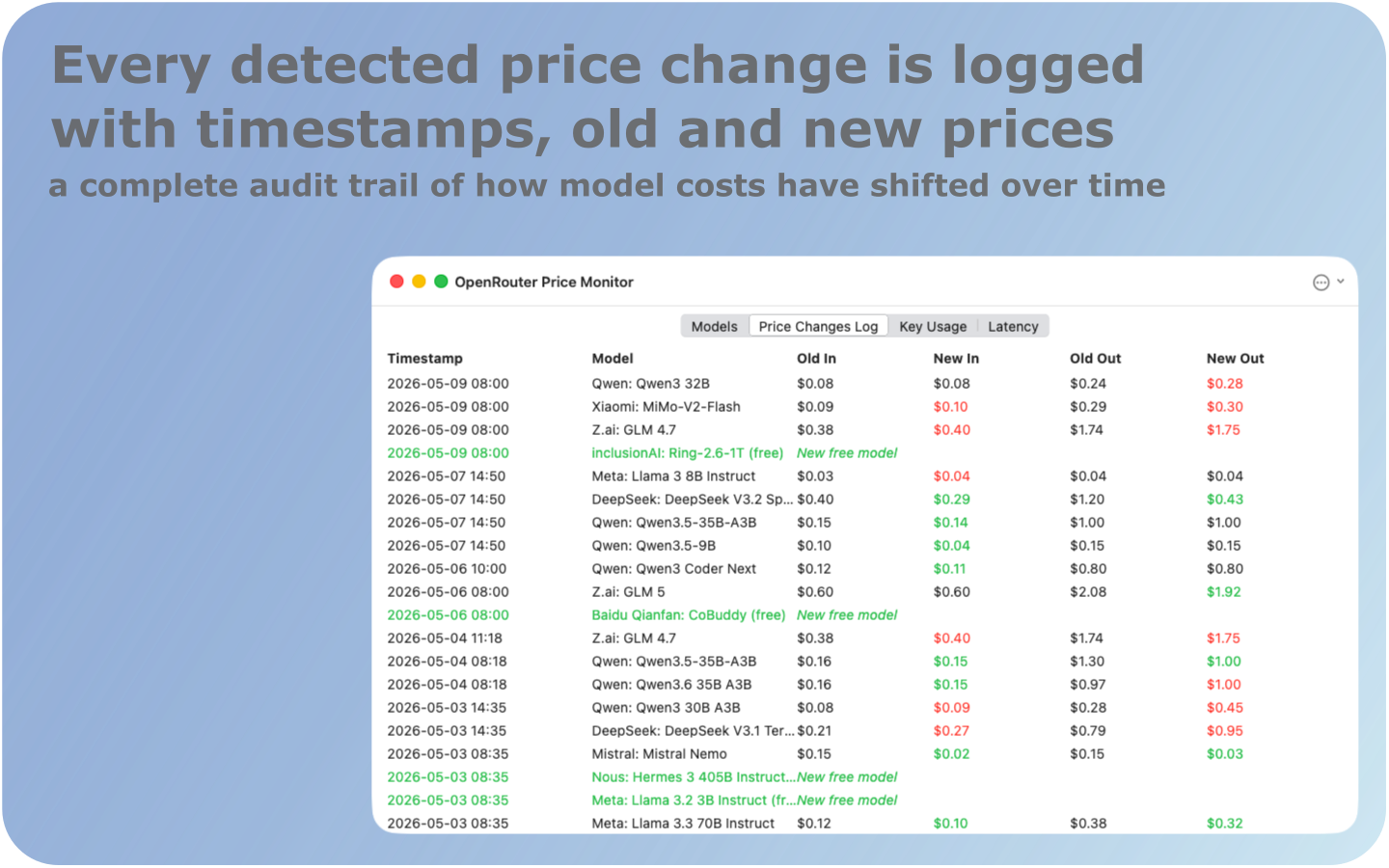
Price Change Log
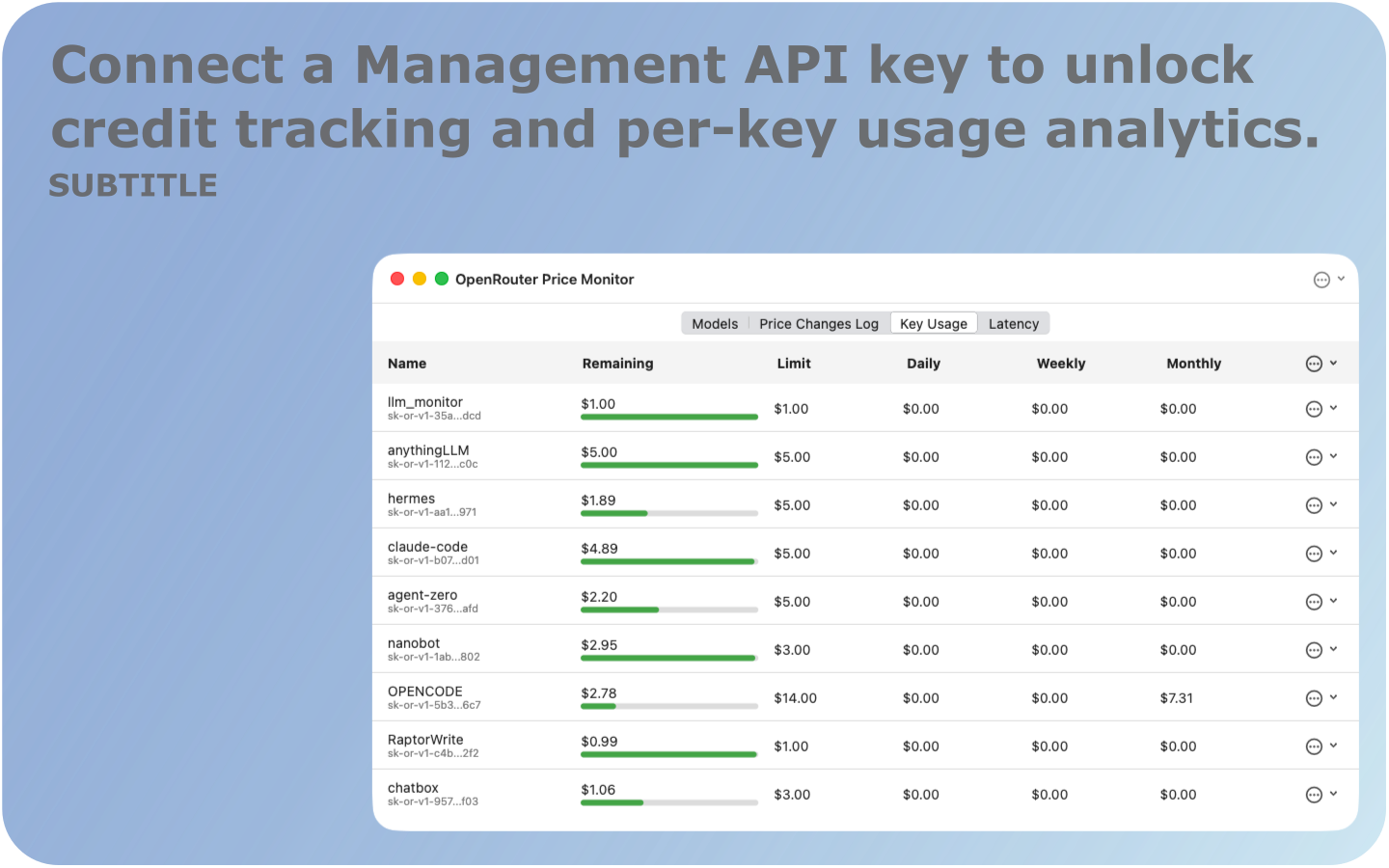
API Key Usage
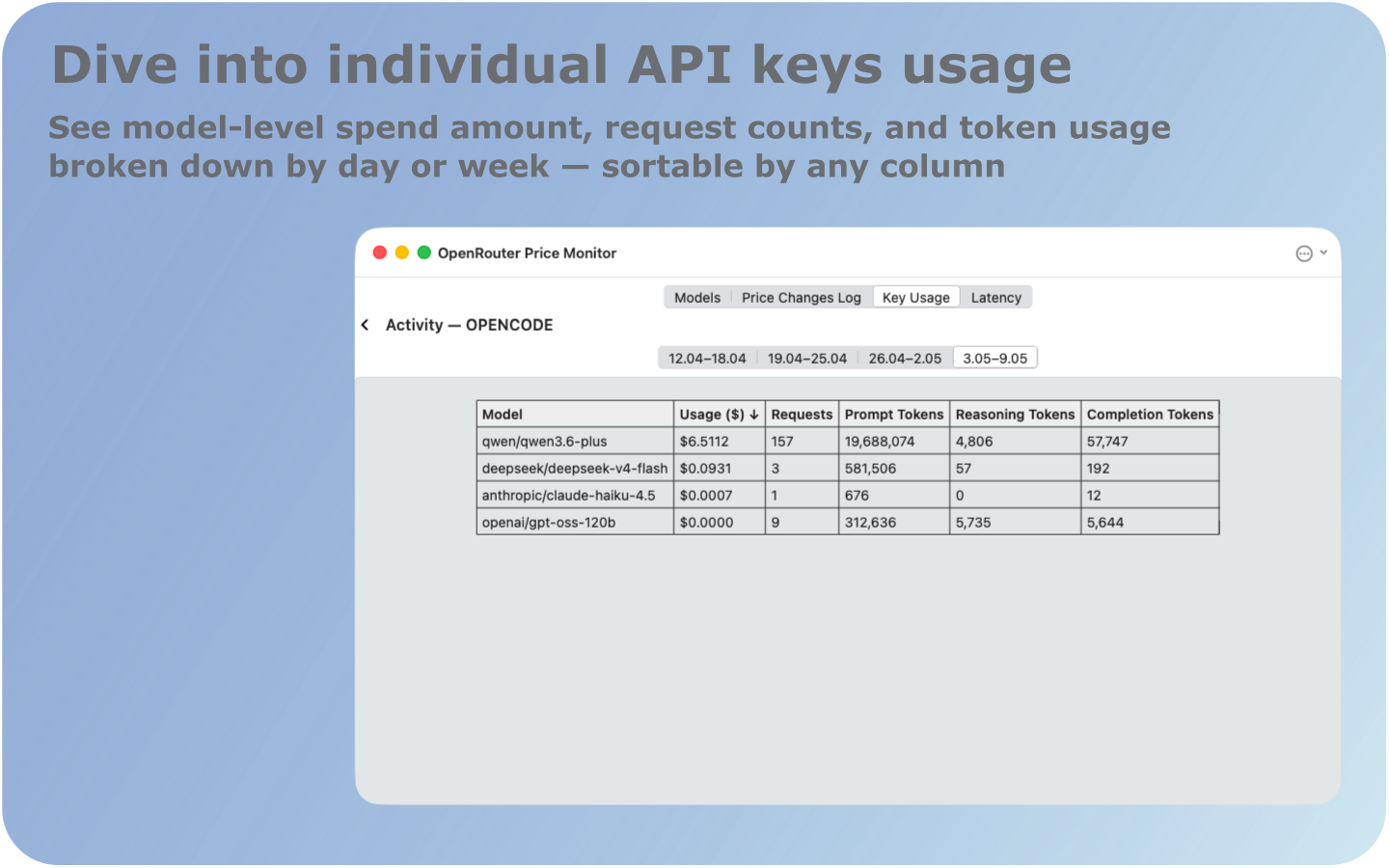
Usage Activity
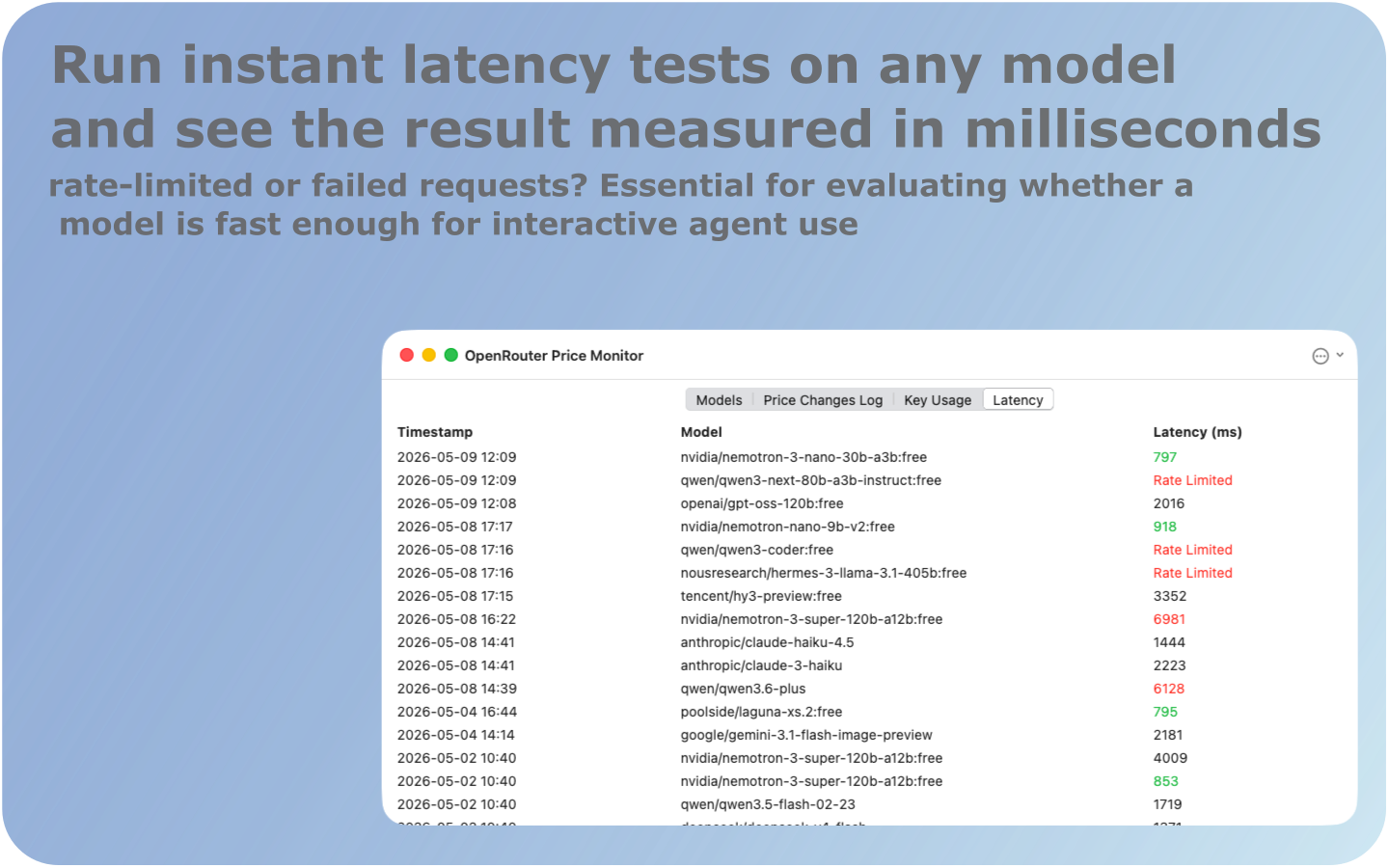
Latency Log
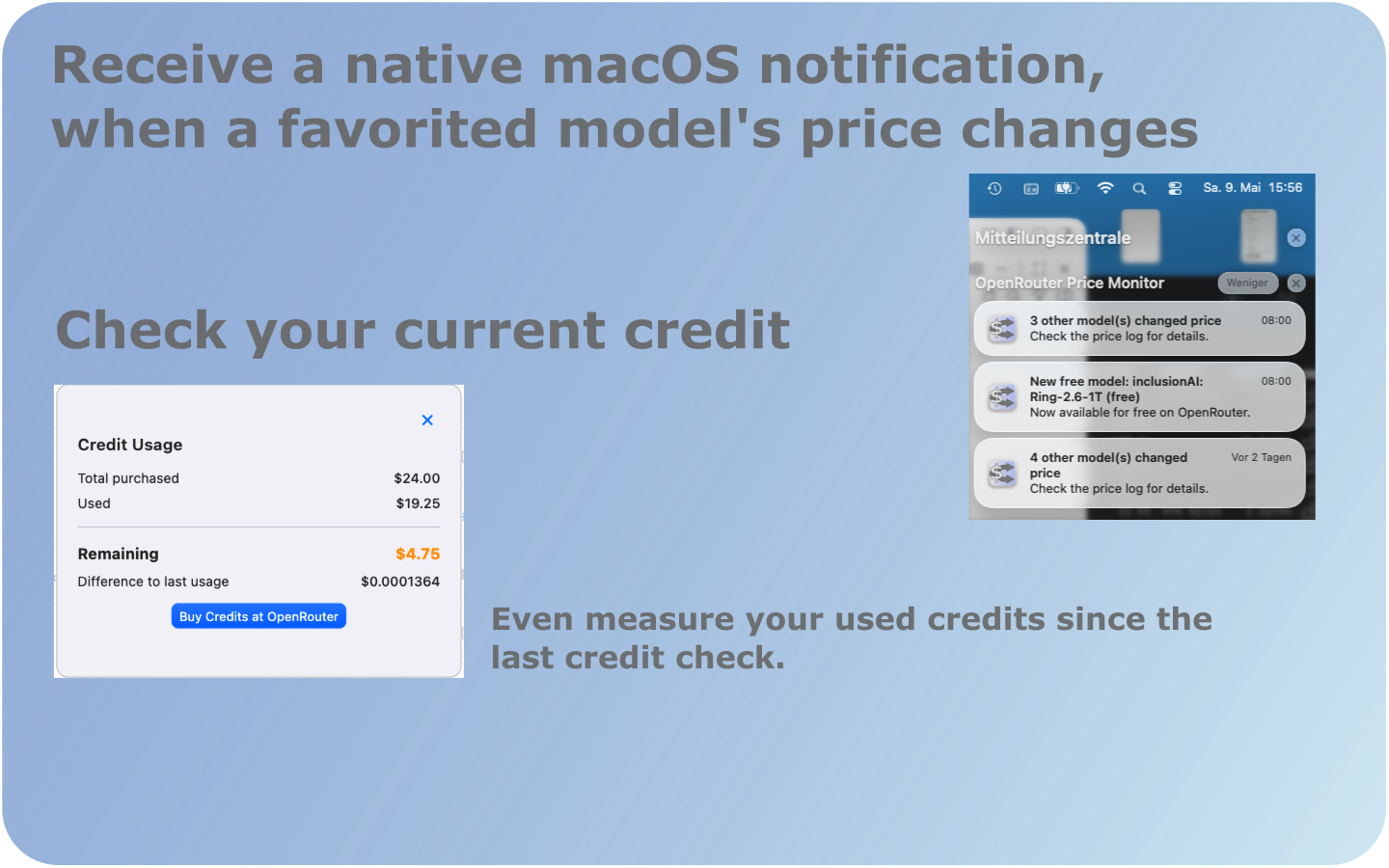
Credits Overview
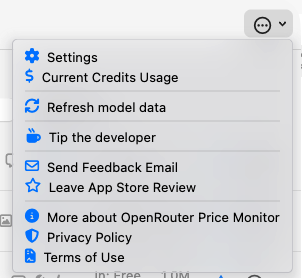
Menu Bar Tray
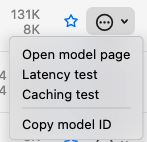
Model Actions Menu
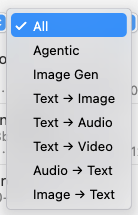
Capability Filter
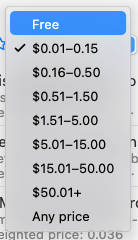
Price Range Filter
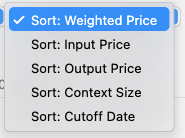
Sort Options
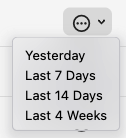
Key Context Menu
Download OpenRouter Price Monitor from the Mac App Store. No signup required — just add your OpenRouter API key in Settings and start tracking.
Download Free on Mac App StoremacOS only · Requires macOS 14+